Set it once in Branding. It follows every document.
Your logo & colors
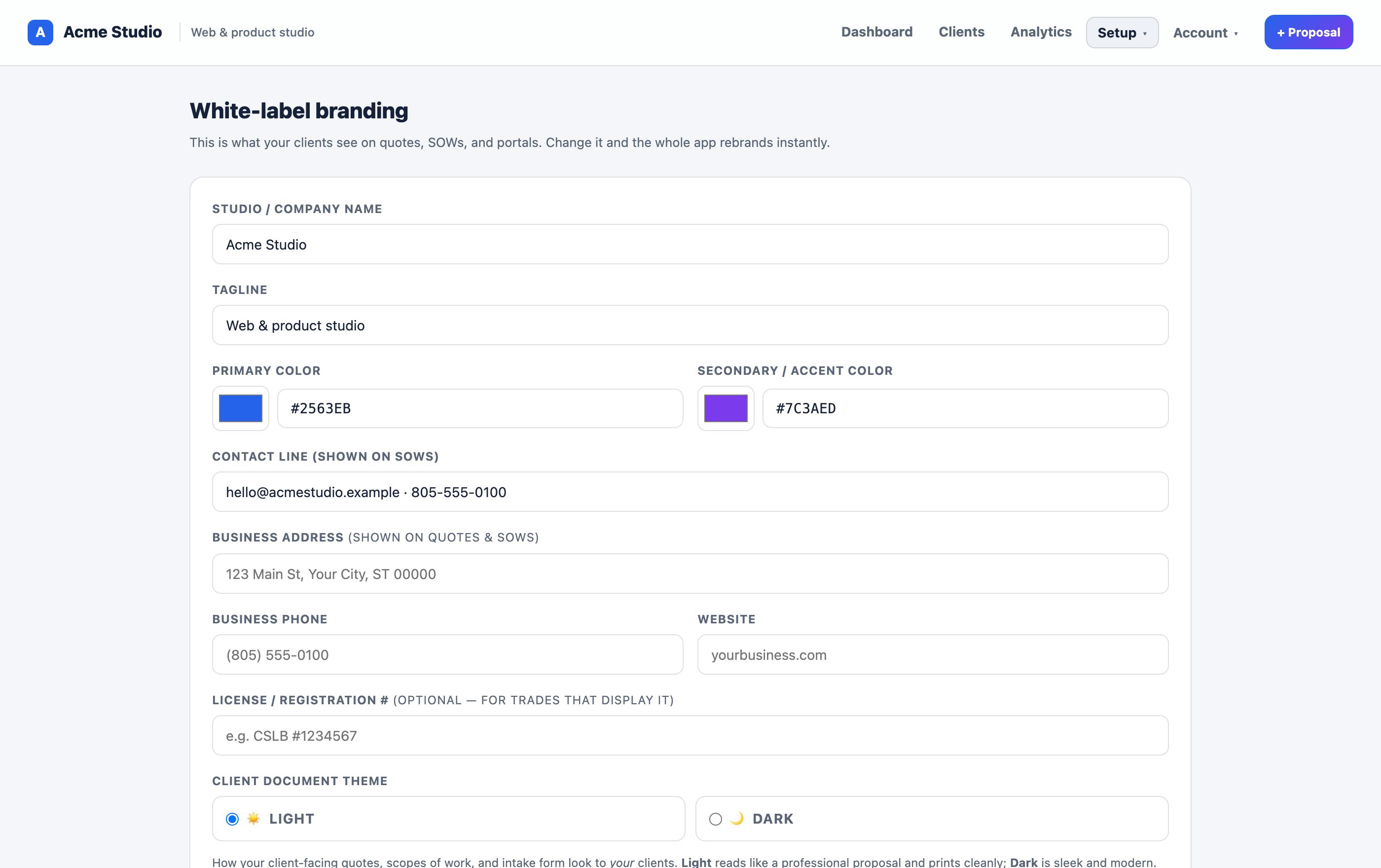
Upload your logo and set your brand colors once — they carry across every document and the client portal automatically.
Badge removed on paid plans
On paid plans the InForge badge comes off entirely. The experience reads end to end as your own product.
Your business details
Company name, address, phone, website, and license number appear on every SOW footer — the details clients expect from you.
Email from your domain
Send client emails from your studio name by default, or connect your own Resend key or SMTP to send from your domain with replies to you.
Clean branded links
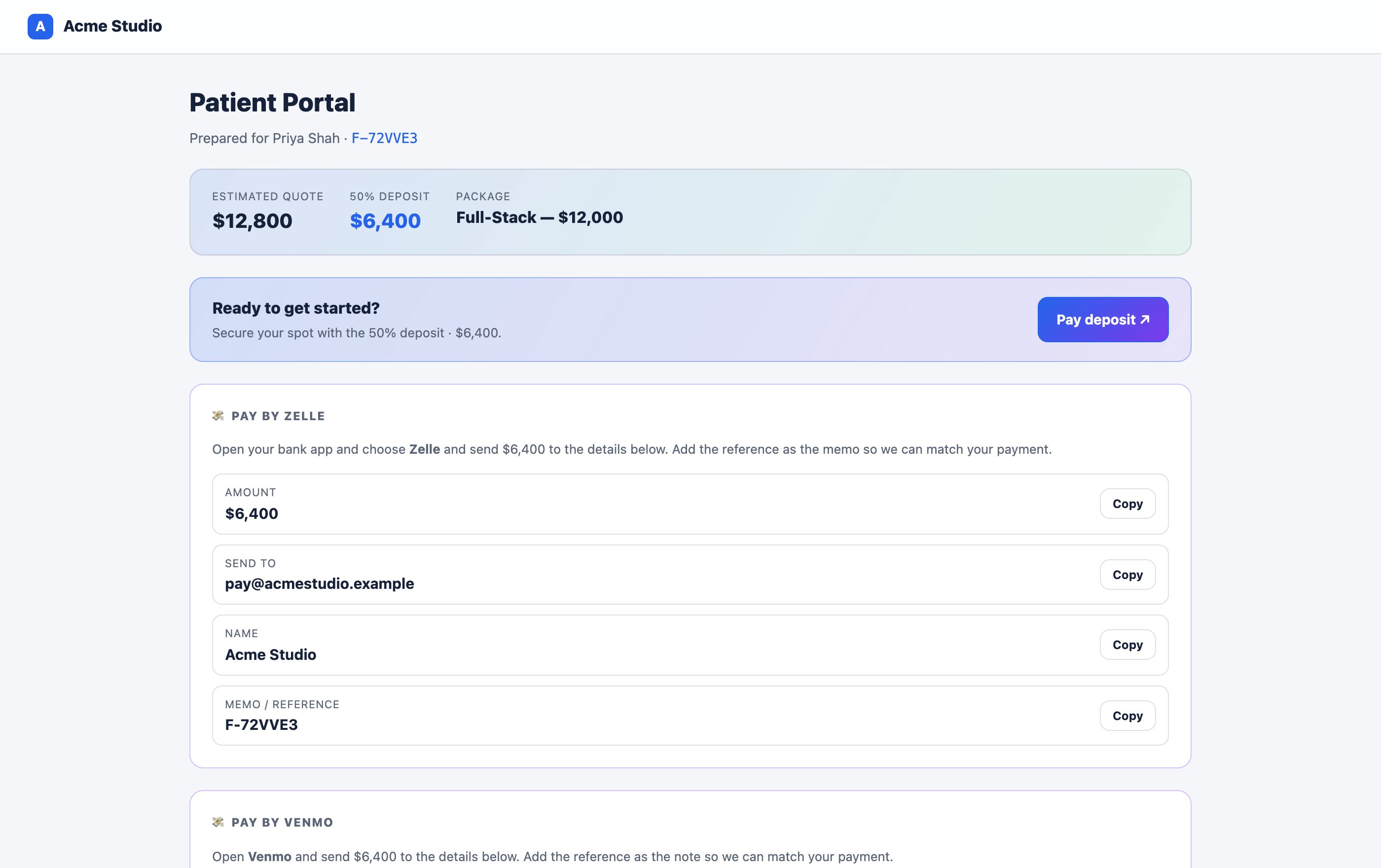
Clients open a portal link that shows your brand — no login, no third-party logo in the corner.
Your words, your trade
Intake questions, pricing, and scope language are all editable, so the document sounds like your business — not generic software.
Put your brand front and center
Free to start. Set up your logo, colors, and details in a couple of minutes.
Get started free