Pick your industry
Choose your line of work and InForge sets up a starting intake form and matching pricing in one click — the right questions, packages, and add-ons for your trade. Don't see yours? Start from Custom and shape it yourself.
On the Industry page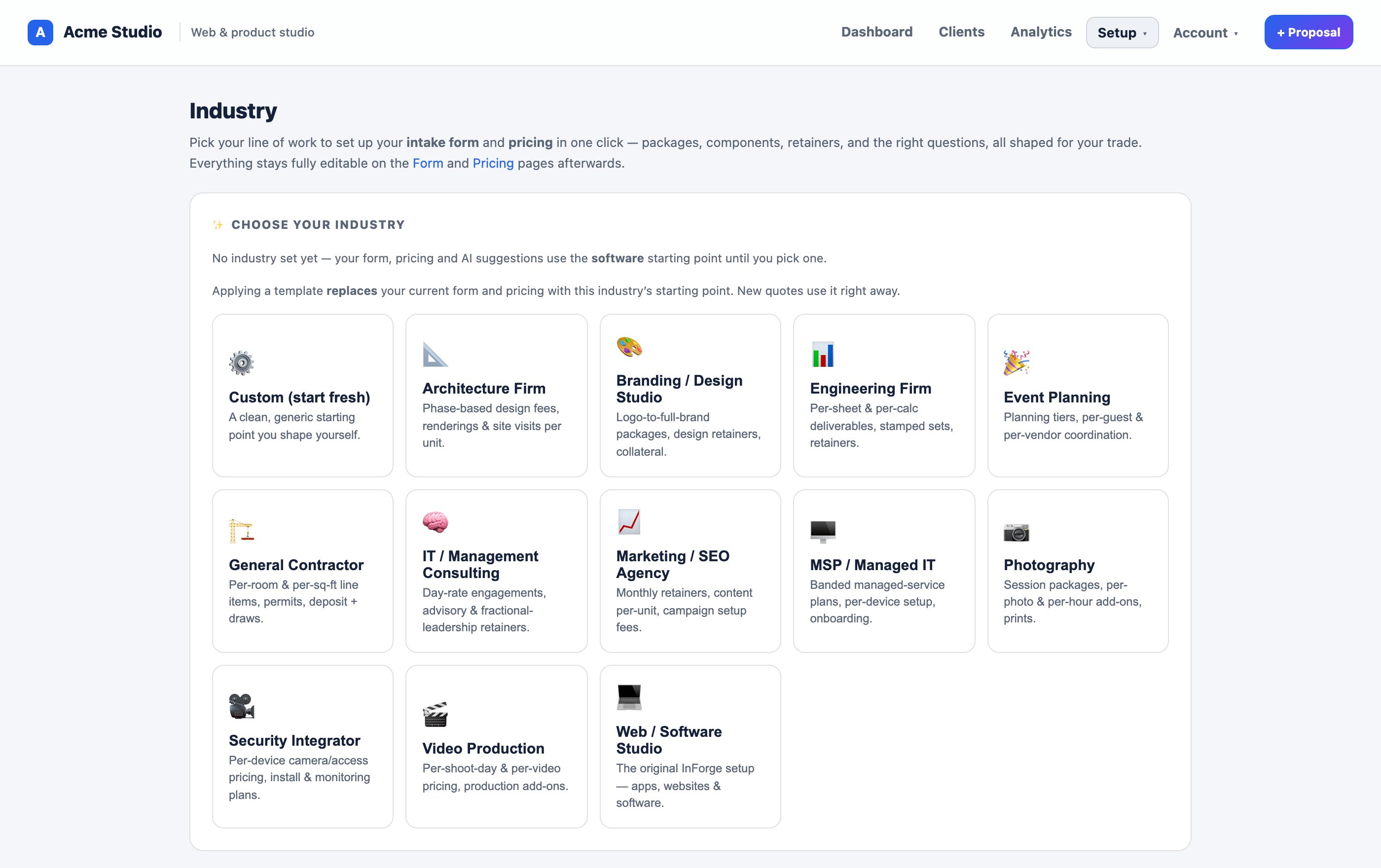
Edit your services
Fine-tune the intake form to match how you actually work — rename packages, add or remove components and options, and adjust the questions clients answer. This is the form clients fill out to request a quote.
On the Form page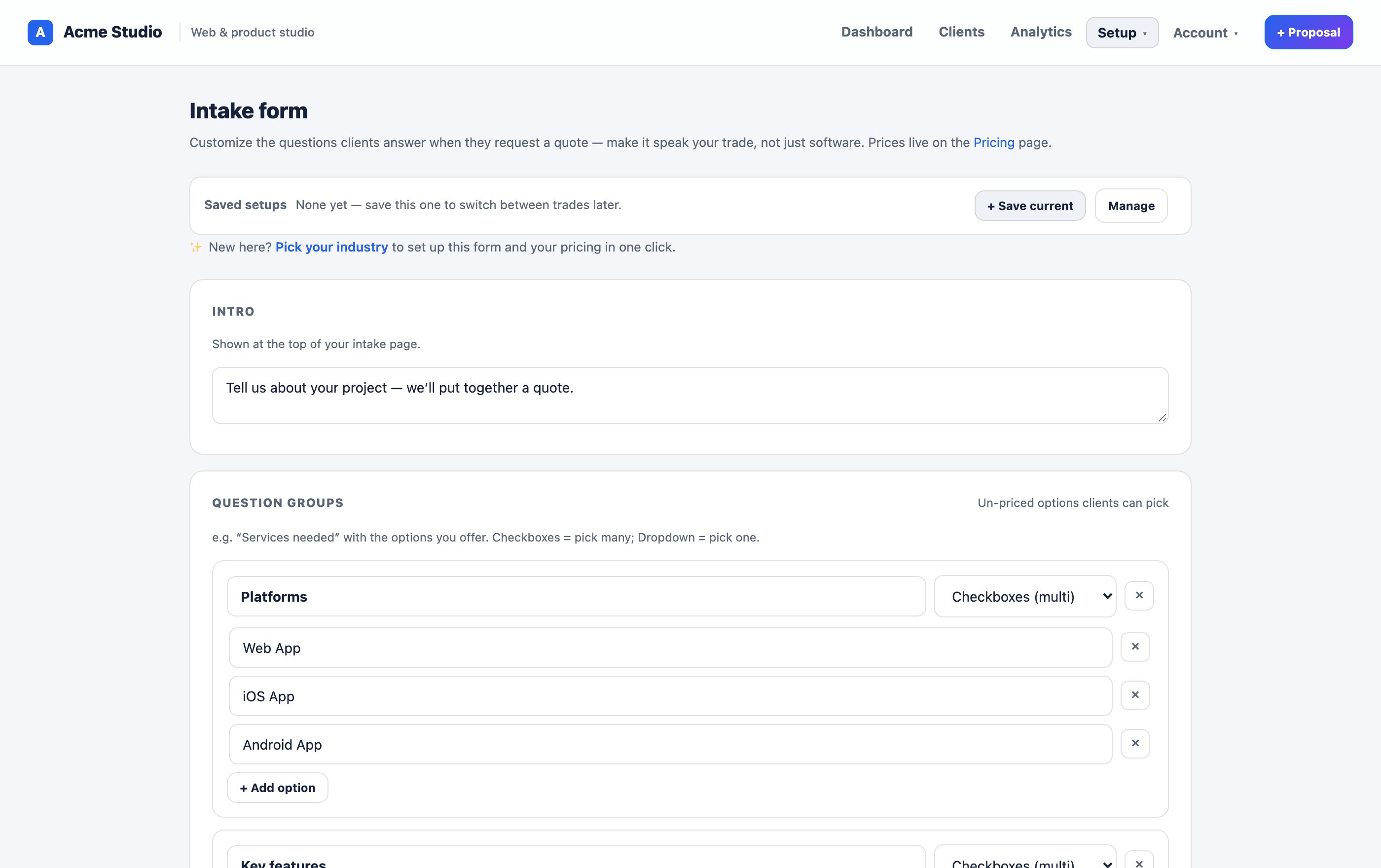
Set your prices
Put in your real numbers — base packages, per-unit line items, add-ons, and any monthly retainers. These drive the quote total automatically, so every client sees a consistent, professional price built from your rules.
On the Pricing page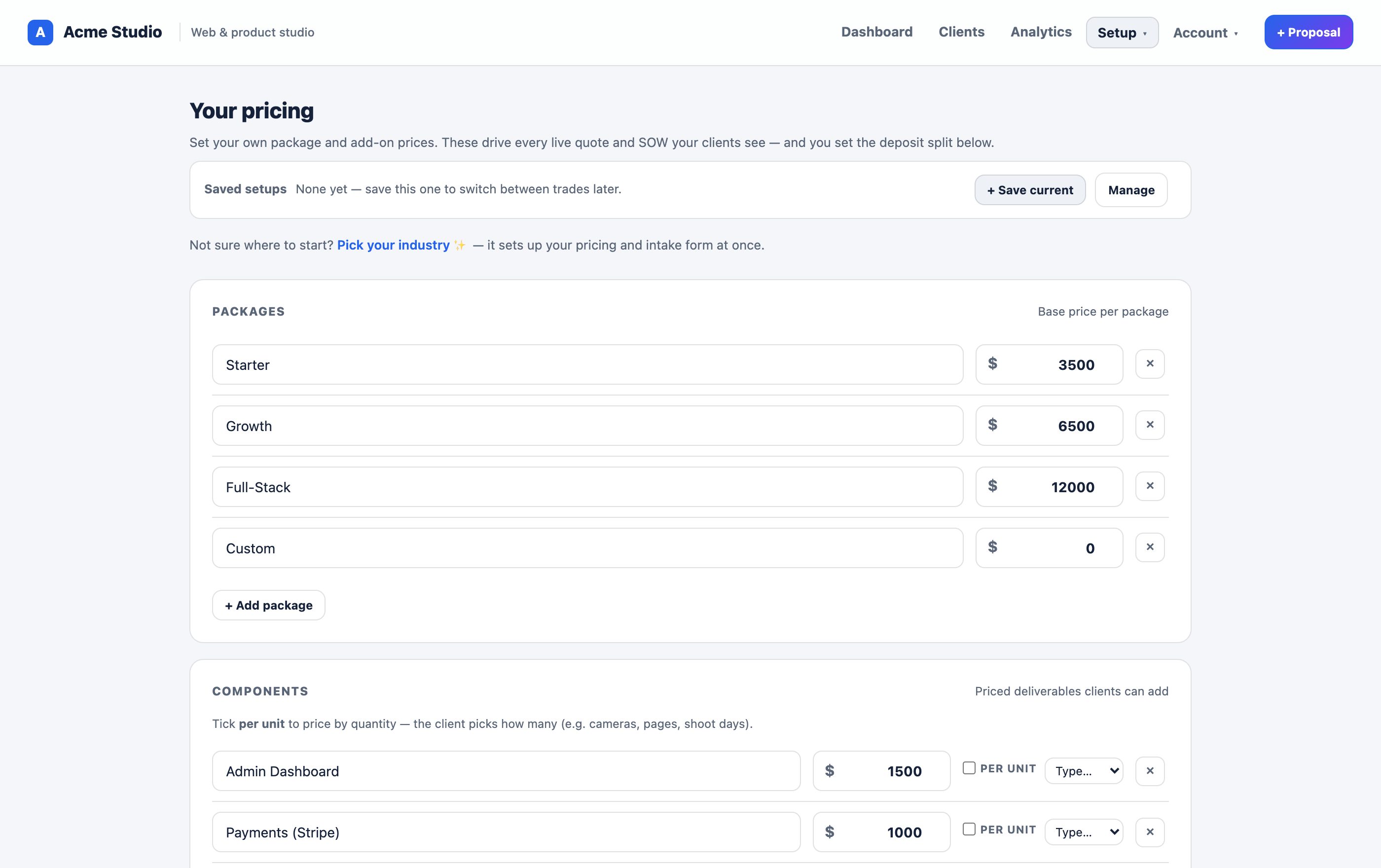
Add your AI key Optional
Bring your own AI key and the assistant can help clients describe their project and draft a first-pass scope in plain language. You connect your own key, so you pay your provider directly and we never mark it up. Skip this and everything still works — the AI help just stays off.
On the Branding page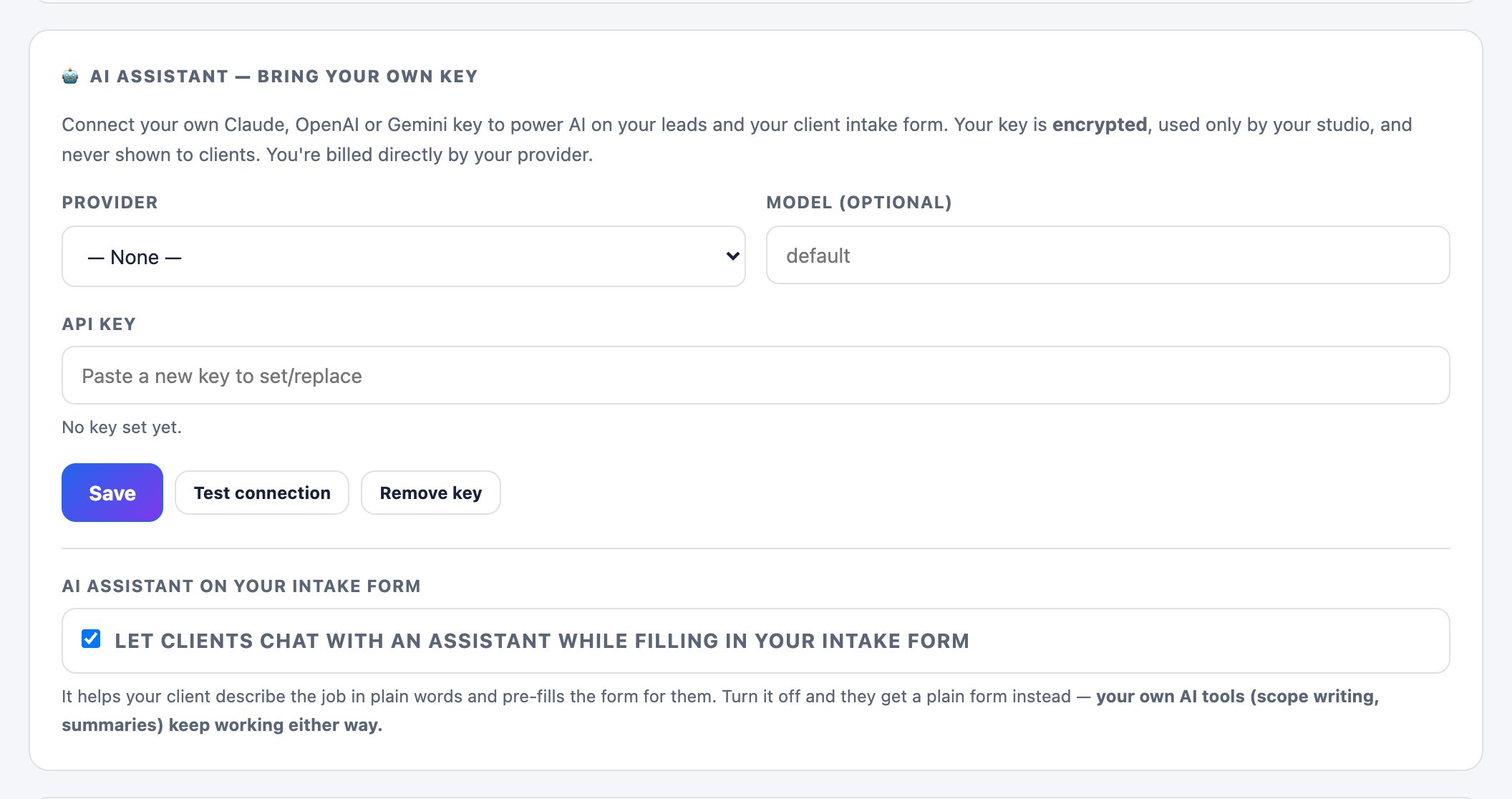
Connect payments Optional
Add your own Stripe or deposit pay-link so a client can put money down the moment they approve. Payments run through your own processor at your own rates — no platform fee on your projects. Skip it and quotes still send; clients just won't see a "Pay deposit" button.
On the Branding page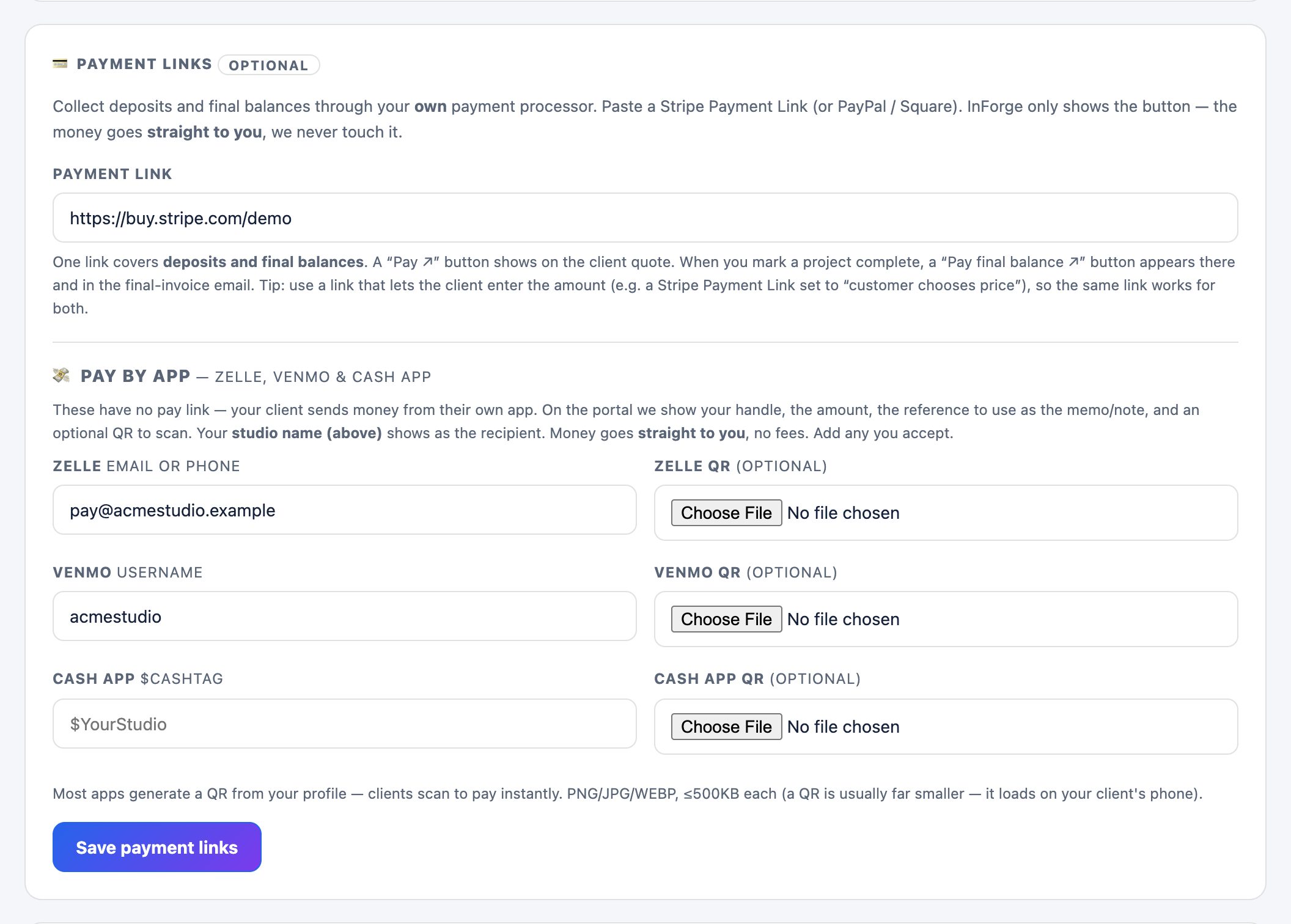
Send from your own email Optional
Out of the box, quotes send branded with your studio name and replies come to you — no setup needed. Want them to send from your own domain with zero trace of us? Connect your own sender — a Resend key or your own SMTP server (Gmail, Outlook, Mailgun, self-hosted) — and every quote goes out from your address, through your own account. Totally optional — the default already looks like it's from you.
On the Branding page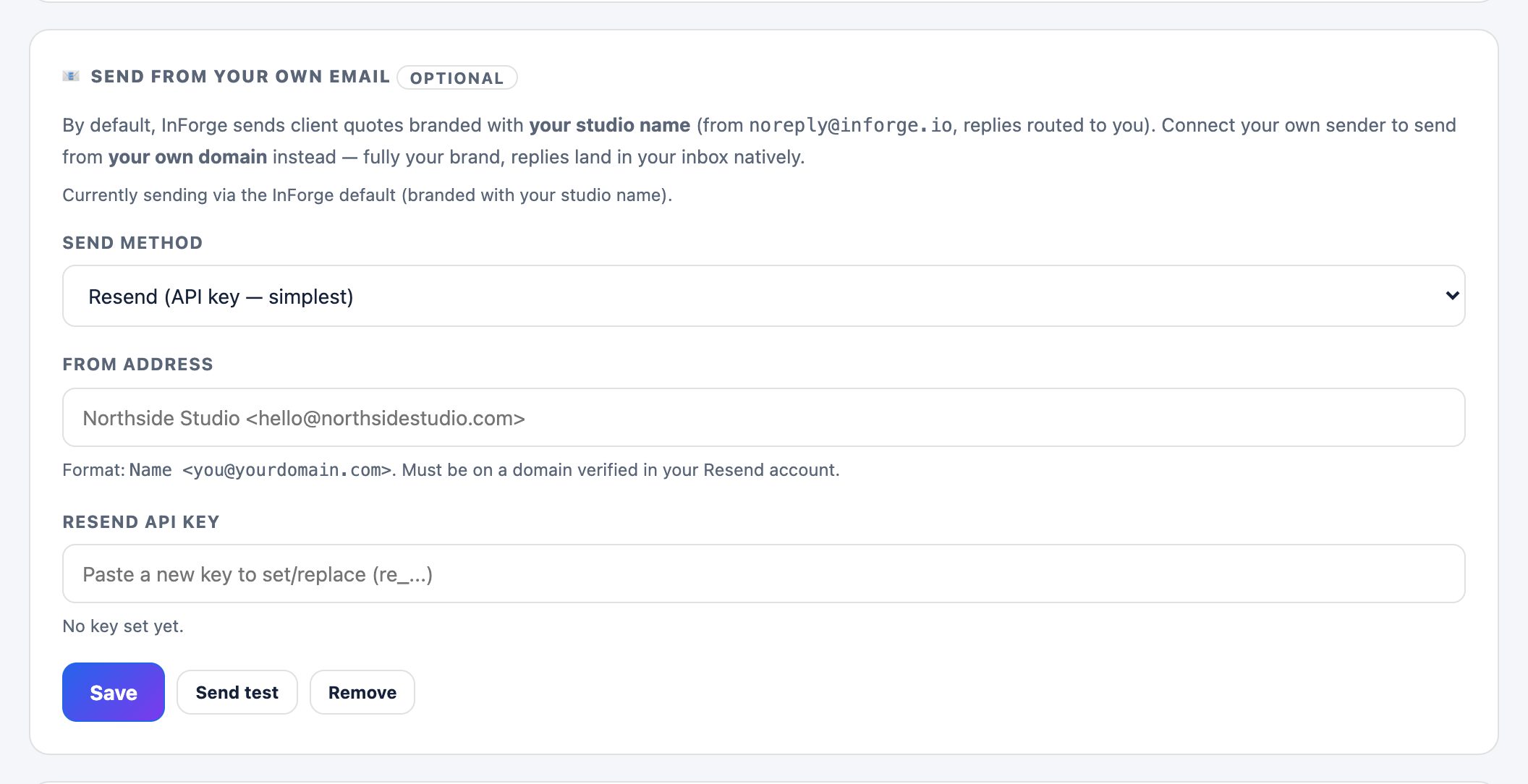
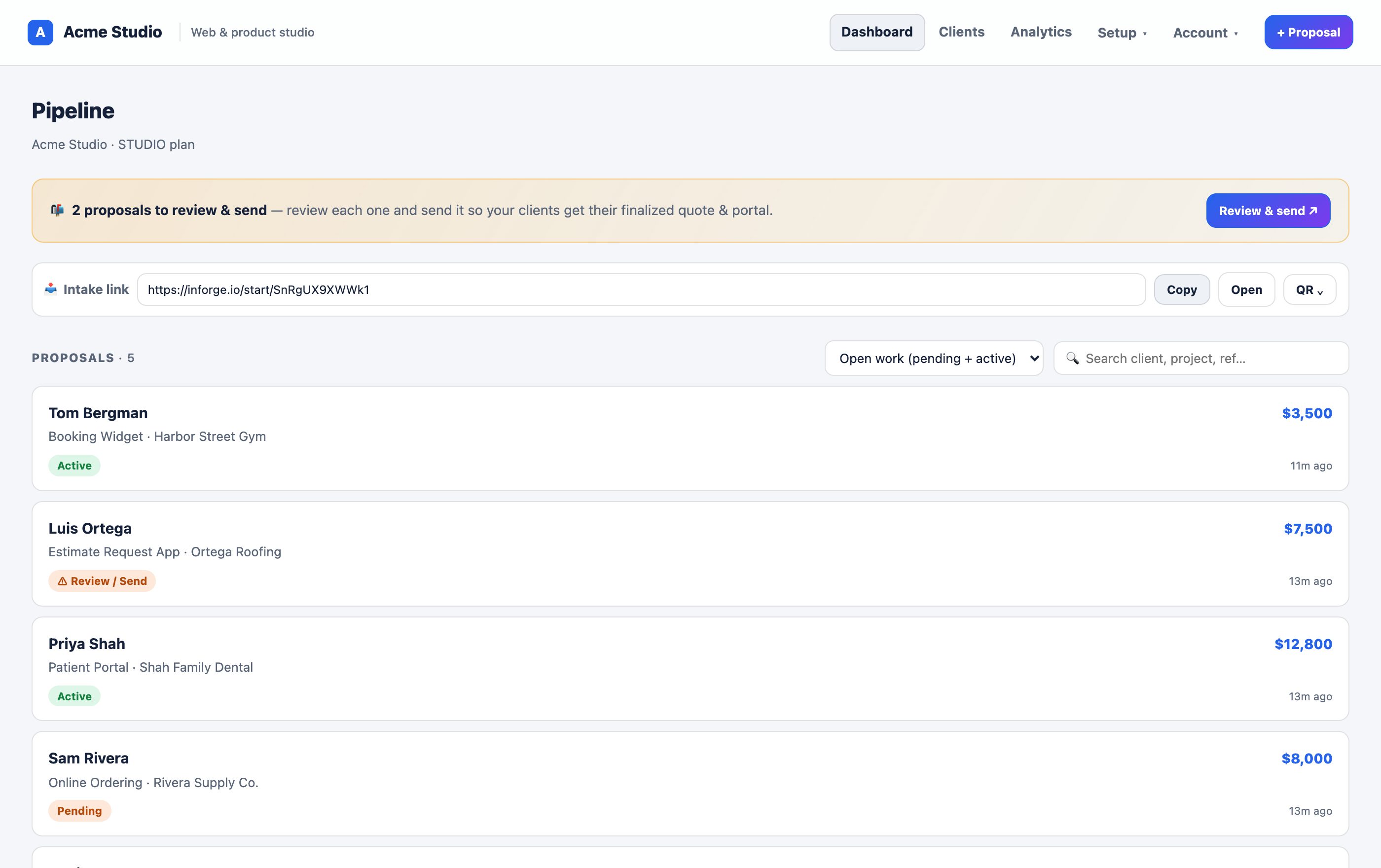
Send your first quote
Share your intake link (or its QR code) and let clients request a quote themselves — or, when a lead comes in, review it and hit Approve. The finished quote is delivered to your client automatically, branded as you, with their own portal to view it, e-sign, and pay.
From your Dashboard