Recorded, not just clicked
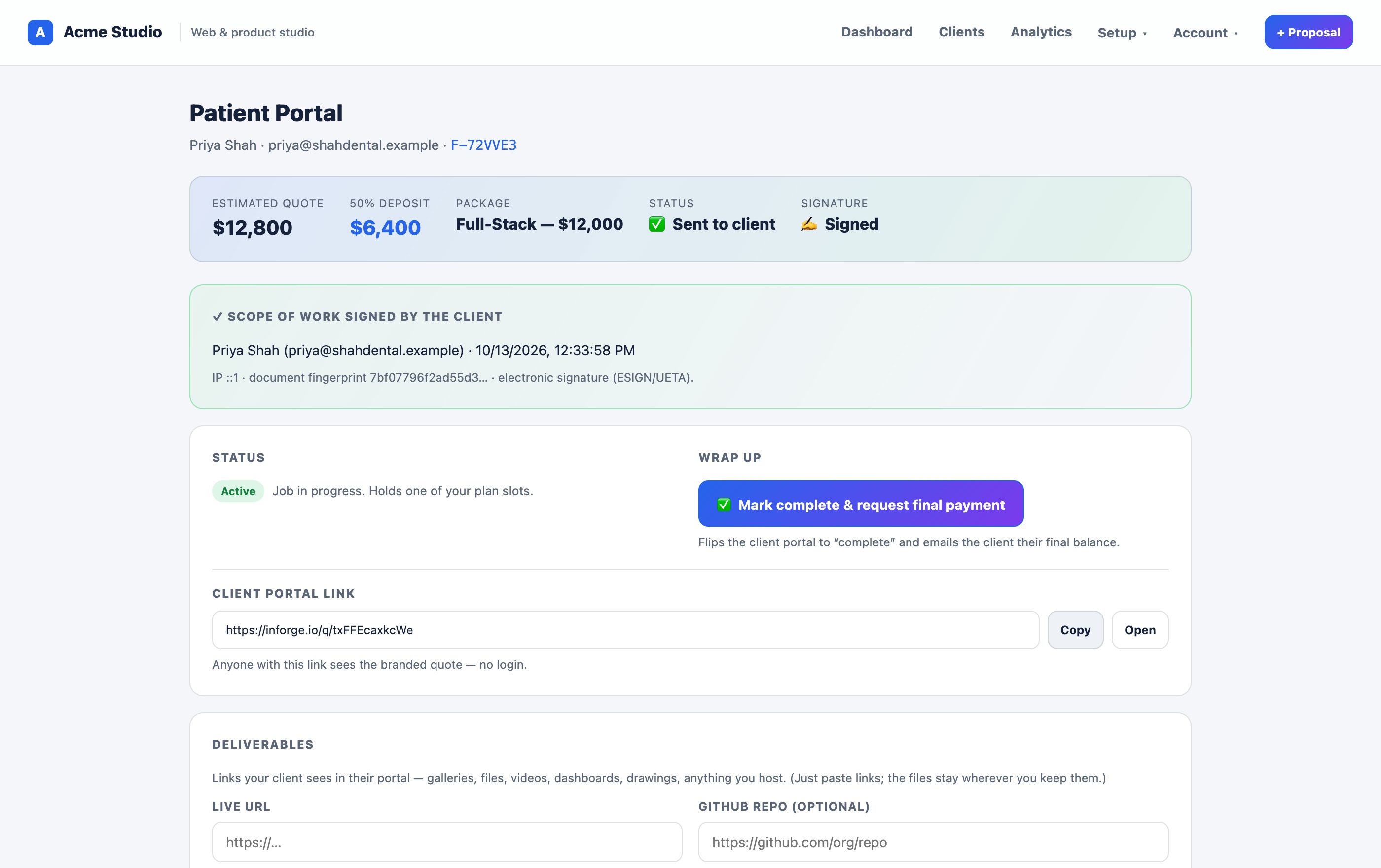
What a signed scope looks like

✍️
Sign on the portal
No printing, no scanning, no separate e-sign tool. The client signs the same branded document they're reviewing.
🧾
Full audit trail
Signer name, email, timestamp, and IP are captured and tied to the exact document version they approved.
🔒
Agreed, not assumed
A signed scope is your protection when a project drifts — everyone approved the same deliverables and price.
Note: InForge's e-signature records a clear approval trail for your scopes of work. For agreements with specific legal or regulatory signature requirements, check that the process meets your local rules — and we're happy to point you to what we capture.
Turn approval into a signed record
Free to start. Send a scope your client can sign in one click.
Get started free