On your phone
Built for the truck, the job site and the couch
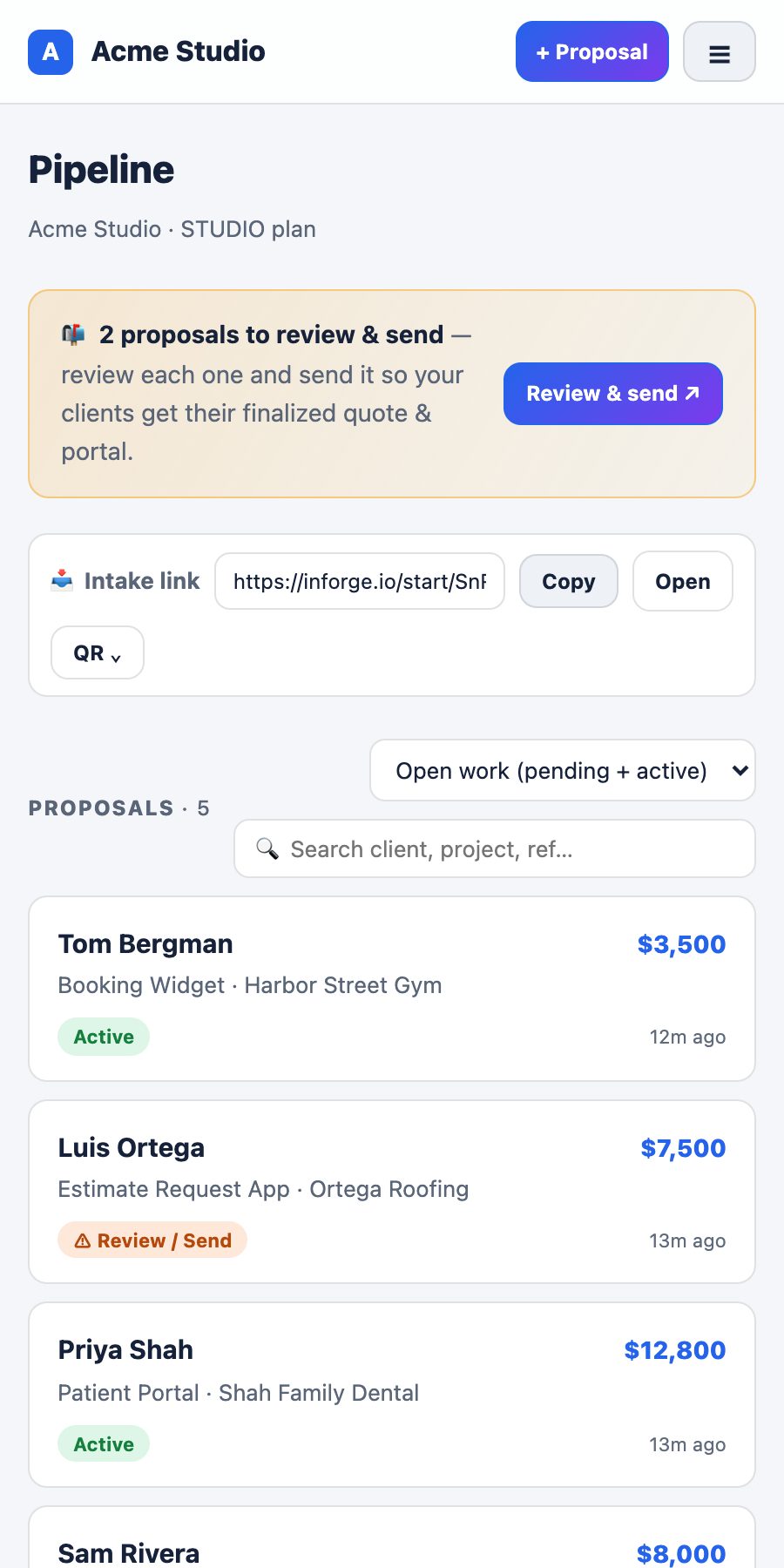
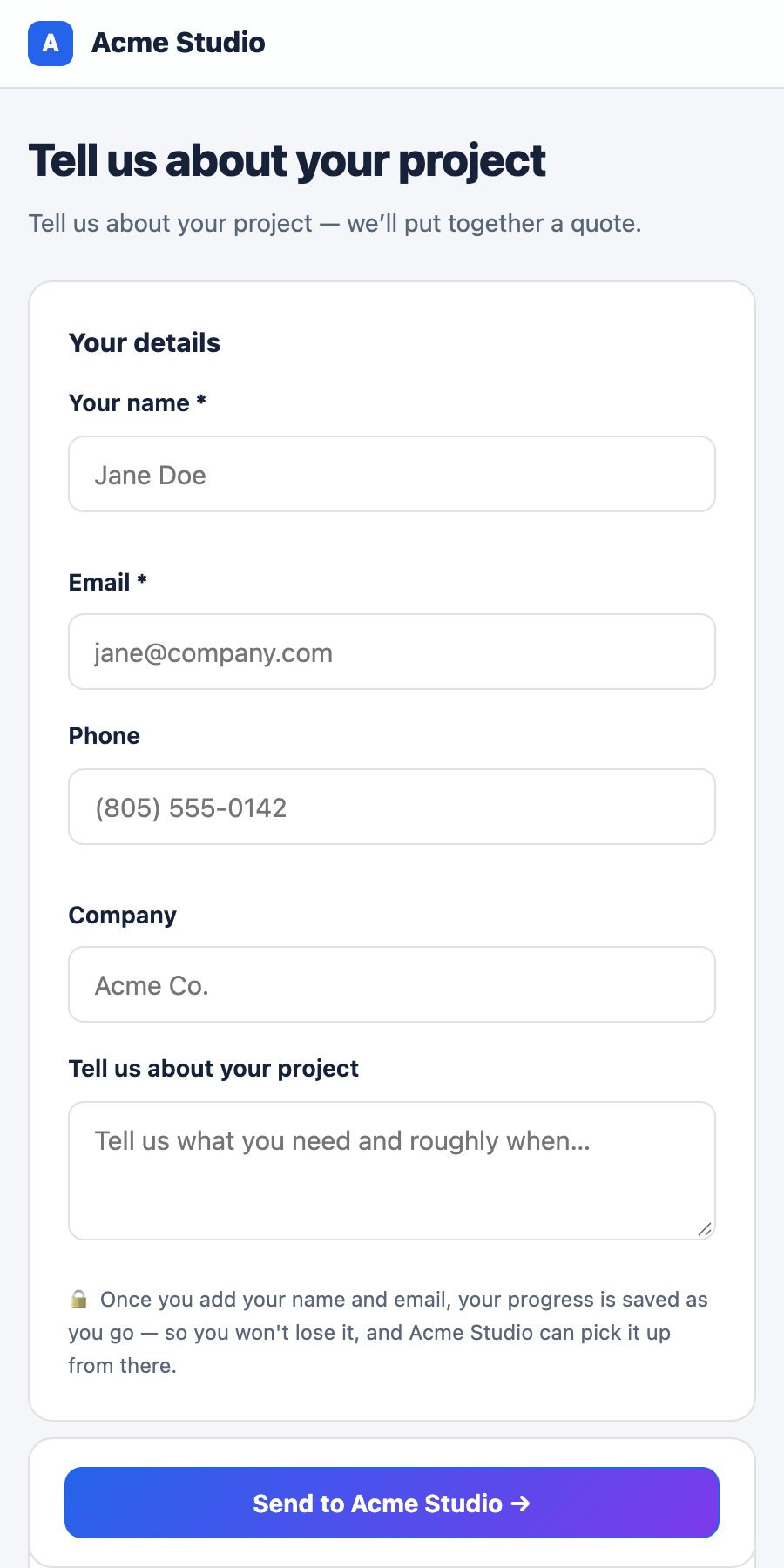
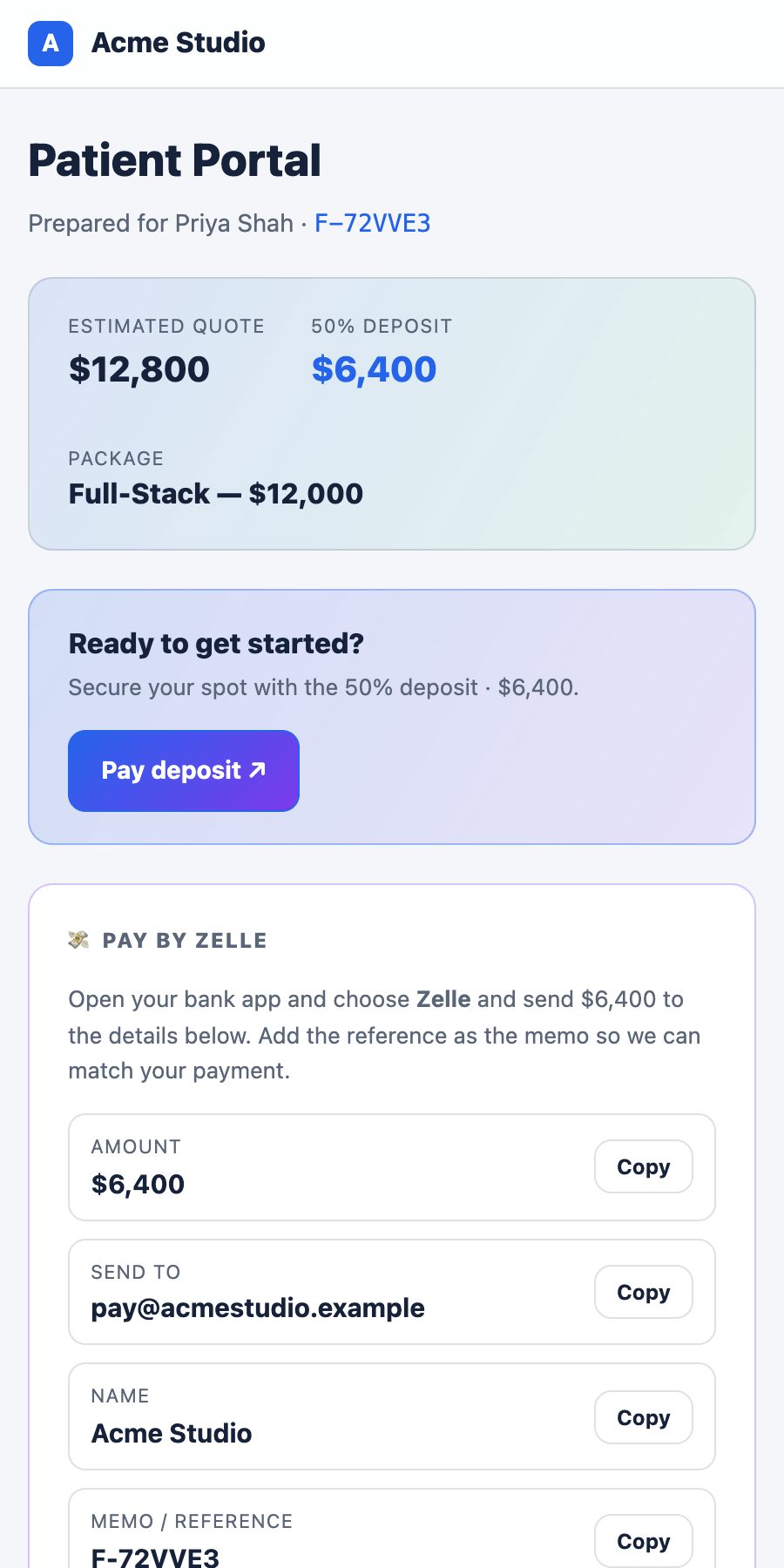
Step by step
Install it in under a minute
InForge installs straight from your browser — the same way big apps like Twitter/X and Starbucks let you add them to your home screen.
🍎
iPhone & iPad
In Safari
- Open inforge.io in Safari.
- Tap the Share button (the square with an up arrow).
- Scroll down and tap “Add to Home Screen.”
- Tap Add — the InForge icon appears on your home screen.
🤖
Android
In Chrome
- Open inforge.io in Chrome.
- Tap “Download mobile app” above — or the ⋮ menu, then “Install app.”
- Tap Install.
- The InForge icon appears on your home screen and app drawer.
Why the app
Faster, and always with you
⚡
Full-screen & fast
Launches straight to your dashboard, no browser bars — it feels like a native app.
🔄
Always up to date
No updates to install from a store — you're always on the latest InForge.
📶
Works offline
Opens and loads even on a spotty connection, so you can check work anywhere.
One thing to know: InForge for phones is a web app you add to your home screen — there's nothing to download from the App Store or Google Play, and it takes up almost no space. Your clients never need it: they just open the branded link you send.